QR Codes for Events: Every Use Case from Flyer to Post-Event Follow-Up
How event organizers use QR codes for promotion, ticketing, check-in, on-site navigation, and post-event follow-up — with placement tips and what to track.
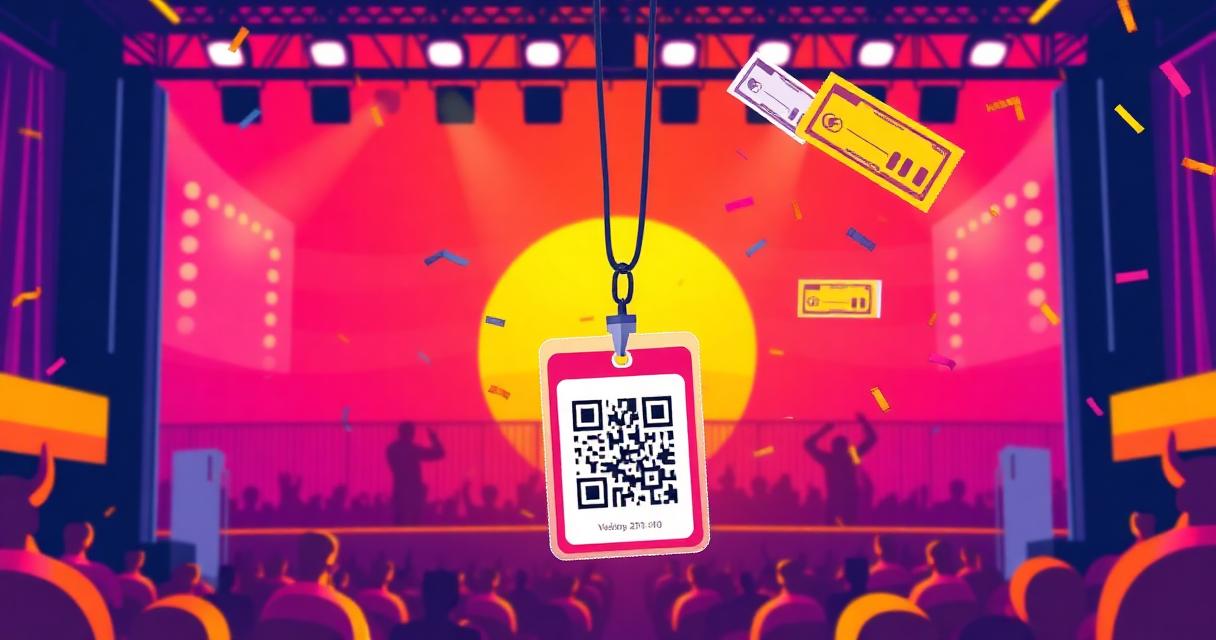
Event QR codes cover the entire event lifecycle — from the first flyer that goes out weeks before the event to the post-event follow-up email. Each stage has a different use case, a different placement, and a different destination.
Pre-event: promotion and registration#
Flyers and posters
The flyer QR code is the most common event QR — and often the worst executed. A QR on a flyer that links to a Facebook event or a desktop-formatted registration page loses most of the people who scan it.
What the QR should open: a mobile-optimised event page with date, time, venue, and a single clear CTA — Register or Get Tickets. One action, not five links.
Use a dynamic QR: event details change. Venue switches. Date moves. Speaker lineup updates. A dynamic QR lets you update the destination without reprinting 500 flyers.
Size on a flyer: minimum 3×3cm. If posted outdoors or on a noticeboard viewed from distance, increase to 4×4cm minimum.
Direct mail and invitations
For conferences, weddings, and corporate events, invitations are printed weeks in advance. A QR code on the invitation links to the RSVP form, hotel information, dress code, or agenda — content that may update between the print date and the event. Dynamic QR is essential.
Social media promotion
QR codes in Instagram Stories and LinkedIn posts let followers scan directly to the registration page. For multi-city events, Smart Rules can route scanners from each country to the correct city's registration.
At-event: check-in, navigation, and engagement#
Check-in
A QR code at the entrance replaces the clipboard. Guests scan to confirm attendance, pick up their badge, or access a digital check-in form. For recurring events, a persistent dynamic QR can be reused — just update the check-in form destination for each event.
Badges and lanyards
Event badges with QR codes let attendees share contact details with a scan. A vCard QR saves name, company, and email to the scanner's phone. A hosted contact card page (with photo and social links) gives more context for networking events.
For speakers and exhibitors: a contact card QR on the badge drives post-event follow-up — attendees scan after a talk and have the speaker's details saved before they leave the room.
Session and schedule navigation
Large conferences often use QR codes on room signage to show the current session, the next session, and links to speaker bios. A single dynamic QR per room — updated as the schedule progresses — replaces printed schedules that go stale.
Time-based Smart Rules work well here: the same QR on a room door shows the current session from 9–10am, the next from 10–11am, and the lunch menu from 12–1pm — automatically.
On-site feedback
Instant feedback at the end of a session performs better than post-event surveys sent by email. Keep the form to 3 questions maximum.
Sponsor and exhibitor stands
Exhibitors use QR codes to capture visitor details and share their own. A lead capture form at the stand converts foot traffic into a contact list. A product page QR lets visitors explore the exhibitor's full offering without taking printed materials.
Post-event: follow-up and content#
Recording and slides
After the event, update the QR codes on printed materials (badges, programmes, signage) to point to the recording or slide deck. Dynamic QR codes make this instant — the same code printed on a badge now links to the replay.
Feedback survey
Post-event surveys sent by email have low completion rates. A QR code in the follow-up email, on social media, or on physical materials given at the event reaches people who prefer scanning to clicking a link.
Next event promotion
A QR code in post-event materials can link to the next event's registration. The audience who attended is the warmest possible audience for the next edition.
What to track across the event lifecycle#
Use separate QR codes for each stage and placement:
- Flyer / poster — pre-event interest
- Invitation — RSVP scan rate
- Entrance check-in — actual vs registered attendance
- Session room QR — real-time engagement per session
- Exhibitor stand — lead capture volume per stand
- Post-event survey — completion rate from QR vs email link
This gives you per-channel data across the full event — not just a total scan count.
The one QR code most events miss#
The post-event recording QR. You've printed it on badges, programmes, and signage. After the event, those materials sit in bags, on desks, in filing cabinets. Update the dynamic QR destination to the recording — those printed materials become a post-event distribution channel for months.
Frequently asked questions#
What should a QR code on an event flyer link to? A mobile-optimised registration or RSVP page with a single clear action — not a homepage, not a Facebook event, not a PDF. One destination, one action.
Can I use one QR code for multiple events? Yes, with a dynamic QR code. Update the destination for each event without reprinting. Useful for recurring events, monthly meetups, or recurring conference series.
Should event QR codes be static or dynamic? Dynamic, almost always. Event details change — venues, dates, speakers, agendas. A dynamic QR lets you update the destination without reprinting printed materials.
How can I collect leads at an event using a QR code? Link the QR code to a mobile-first lead capture form — name, company, email, and one qualifying question. Keep it short: 3 fields maximum for highest completion rates.
Can one QR code show different sessions by time of day? Yes. Smart Rules let a single QR route to different destinations by time — show the morning session from 9–12, the afternoon from 13–17, and the after-party in the evening.
Can I reuse the same QR code for my next event? Yes, with a dynamic QR. Update the destination to the next event's registration page — the printed code from previous materials automatically redirects to the new event.
*See also:*
Related articles

Ready to try dynamic QR codes?
Start your free trial — no credit card required.
3–10 days free depending on plan.