QR Codes for Hotels: Complete Implementation Guide (2026)
How hotels use QR codes for WiFi, room service, reviews, and guest communication — with real placement tips, Smart Rules examples, and mistakes to avoid.
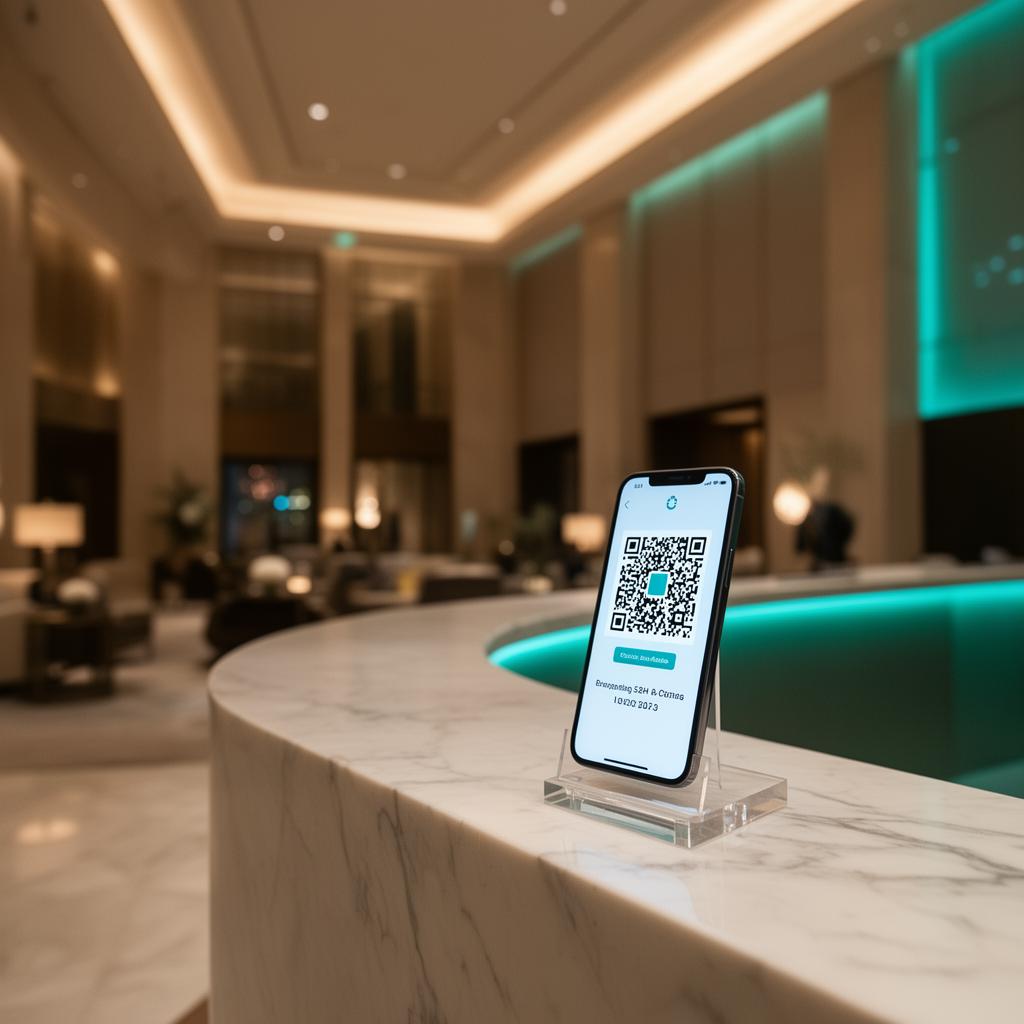
A guest checks in at 11pm. The front desk is unmanned. They need the WiFi password, they want to order food, and they have no idea where the pool is.
If they have to call the night manager for each of these — that's three calls, three interruptions, and one guest who's already annoyed before they've slept.
A single QR code in the room solves all three. And if you update it from the dashboard, the printed sticker on the nightstand never needs to come off.
This guide covers how hotels actually implement QR codes — not the obvious WiFi use case, but the full picture: which QR types work where, how to reduce front desk load measurably, how Smart Rules change the game for multilingual properties, and the mistakes that make QR codes fail even when they're technically working.
Why hotels are moving to QR codes (and why some implementations fail)#
QR code adoption in hospitality accelerated post-2020 when contactless became a requirement rather than a preference. Most hotels started with digital menus. Many stopped there.
The properties getting real value from QR codes are using them as a communication layer — not just a link-to-a-PDF shortcut.
The difference comes down to one decision: static vs dynamic QR codes.
A static QR code is a fixed link. Once printed, it points to one URL forever. If that URL changes, the code is dead.
A dynamic QR code is a redirect. The printed code points to a short redirect URL. You control where that redirect goes, and you can change it anytime from a dashboard — without touching the physical code.
For hotels, this distinction matters enormously:
- Your room service menu changes seasonally. With a static QR, you reprint every card.
- Your spa booking page moves to a new URL. With a static QR, every room has a dead link.
- You want to show breakfast hours only in the morning. With a static QR, you can't.
Dynamic QR codes solve all of this. The sticker stays. The content changes.
The 6 places QR codes actually work in a hotel#
1. Room WiFi — the highest-scan use case
WiFi QR codes are the simplest and most used. A guest scans, their phone joins the network automatically. No typing a 20-character password, no calling the front desk.
Where to place it: Nightstand card, TV stand sticker, or the inside of the room folder.
What to use: A dedicated WiFi QR type that stores the SSID and password directly. The guest's phone joins the network without opening a browser.
One thing most hotels get wrong: they put the WiFi QR on a laminated card near the door — the spot guests pass once on arrival and never look at again. The nightstand is where guests reach for their phone at night. That's where the WiFi QR belongs.
2. Room service / dining menu
A printed menu goes stale. Prices change. Items sell out. Seasonal specials appear. A QR code pointing to a digital menu lets you update content without touching the room.
Where to place it: Tent card on the desk or nightstand. If you have an in-room tablet, a backup QR sticker on the desk works for guests who prefer their own phone.
What to use: A Menu QR type or a URL QR pointing to a mobile-optimized page. The page should load fast and work without the guest needing to download an app.
Key detail: If your room service stops at midnight, your menu page should say so clearly at that hour. Better: use Smart Rules (covered below) to show a different page after cutoff time.
3. Google Reviews — the checkout moment
Most hotels ask for reviews at checkout. The problem: by the time a guest reaches the front desk, they're mentally already at the airport. The request feels like a chore.
A QR code on the checkout envelope or key card drop box catches guests in a different moment — one where they've just completed the stay and might actually want to leave feedback.
Where to place it: Checkout folder, key card envelope, room door (inside), or a small card on the desk with a thank-you note.
What to use: A Google Review QR type that links directly to your Google Business review form — not your homepage, not a review aggregator. The direct link skips two steps and meaningfully increases conversion.
Realistic expectation: Even a well-placed Google Review QR won't get scanned by every guest. A 3–8% scan rate from checkouts is typical. For a 50-room property with 80% occupancy, that's potentially 5–10 new reviews per month with zero staff effort.
4. Guest information page
Check-in time, checkout time, pool hours, parking instructions, late checkout policy, luggage storage, how to use the TV — most hotels print this in a welcome folder that guests read once and forget.
A QR code linking to a mobile-optimized guest information page gives guests something to come back to. If the pool closes at 9pm, they can check. If checkout is at noon, they can confirm without calling.
Where to place it: Inside the welcome folder, plus a small sticker on the back of the room door.
What to use: A URL QR or a QRflows Landing Page — a single mobile-friendly page with all the key information organized in sections. No PDF, no download required.
5. Spa, activities, and amenity booking
If your property has a spa, gym, pool with booking slots, or any activity that requires a reservation, a QR code is a low-friction way to drive bookings.
Guests who spot a "Book the spa" card on the nightstand before bed are more likely to book than guests who need to call in the morning.
Where to place it: Nightstand card, bathroom counter, in-room hotel information booklet.
What to use: A URL QR linking to your booking page. If you want to track how many bookings came from in-room QR codes vs other channels, use a dynamic QR with analytics enabled — you'll see the scan count from that specific placement.
6. Local recommendations
Concierge recommendations scale poorly. A good concierge who knows the neighborhood is an asset, but their knowledge doesn't scale to 200 rooms.
A QR code linking to a curated "What to do in [City]" landing page — organized by category (restaurants, transport, attractions, day trips) — gives every guest access to the same quality of recommendations.
Where to place it: Welcome folder, alongside the guest information page.
What to use: A QRflows Landing Page updated seasonally. New restaurant opened nearby? Update the page in the dashboard. The QR codes in every room automatically point to the new version.
Smart Rules: the feature that changes everything for multilingual properties#
If your hotel welcomes guests from multiple countries, you know the challenge: printed materials in English don't serve French, German, or Japanese guests equally well.
Smart Rules let a single QR code show different content based on the guest's device language or country. Here's what that looks like in practice:
Language routing:
One QR code in the lobby → English speakers see the English welcome guide → French speakers see the French version → German speakers see German.
The guest scans the same physical code. QRflows detects their device language and routes them to the right page automatically.
Time-based routing:
Same QR code on the desk:
- 7am–11am: shows breakfast menu with hours
- 12pm–5pm: shows lunch service and pool menu
- 6pm–10pm: shows dinner menu
- 10pm+: shows late-night snack options and a note about room service cutoff
Instead of printing separate cards for each meal period, one code handles the full day.
Device routing:
A QR pointing to a booking page can route iOS users to the App Store and Android users to Google Play, if you have a hotel app.
Smart Rules are available on the Pro plan. For a hotel with international guests or multiple dining periods, the feature pays for itself quickly in reduced printing costs and guest friction.
How to set up hotel QR codes: the practical approach#
Step 1: Inventory what guests actually need
Start with the front desk. What do guests call about most? Common answers:
- WiFi password (almost always #1)
- Room service / food options
- Checkout time
- Pool / gym hours
- Parking
- Local recommendations
These are your QR code priorities. Don't start with Google Reviews (a hotel ask) — start with WiFi and menus (guest needs). Trust builds before you ask for anything.
Step 2: Decide on placement before you design
Placement determines format. A nightstand card is different from a door sticker. Know where each code goes before deciding on size and design.
Minimum scannable size: 2.5cm × 2.5cm for a code scanned from 20–30cm. Room service cards held in hand can be smaller than lobby signage meant to be scanned from 1 meter away.
Step 3: Create dynamic QR codes, not static ones
Even if you think the link won't change — it will. Room service providers change. Booking pages move. Pages get redesigned with new URLs.
Create all hotel QR codes as dynamic from day one. The cost is minimal; the flexibility is permanent.
In QRflows: create a new QR, choose the type, set the destination, download in SVG format for print. SVG scales without quality loss to any size.
Step 4: Test before you print 100 copies
This sounds obvious. Hotels skip it regularly.
Test each QR code on at least two devices (iOS and Android) before printing. Check that:
- The WiFi QR actually connects
- The menu page loads in under 3 seconds on mobile data (not just WiFi)
- The Google Review link opens the review form, not your Google listing homepage
- Landing pages display correctly on a small phone screen
Step 5: Track what gets scanned
Analytics on QR codes are underused in hospitality. After 30 days, you'll know:
- Which QR codes get scanned most (usually WiFi, then menu)
- What time of day scans happen (useful for menu routing decisions)
- What devices guests use (useful if you're considering app promotions)
- Which room placements perform better than others
This data helps you optimize. If the local recommendations QR gets almost no scans, maybe it's in the wrong spot — or guests don't need it. If the spa QR spikes on Friday evenings, that's a signal about when to promote weekend packages.
Common mistakes and how to avoid them#
Putting QR codes on the TV screen or printed on dark card stock. Contrast matters. QR codes need clear visual separation between the dark modules and white background. Dark backgrounds kill scan rates.
Using a URL so long it creates a dense, hard-to-scan code. Dynamic QR codes use short redirect URLs, which produce cleaner, less dense patterns. Always use dynamic.
Linking to a desktop-formatted page. If your room service menu page was designed for a desktop browser, it will be painful to use on a phone. All hotel QR destinations should be mobile-first.
Creating a new QR every time the destination changes. This is the static QR trap. Once you've printed 50 room cards, updating every one is expensive and labor-intensive. Dynamic QR codes eliminate this entirely.
Placing the WiFi QR only in the welcome folder. Guests lose the folder. They put their bag on it. They leave it at checkout. The nightstand is the reliable placement.
Forgetting the checkout QR. The Google Review moment is at checkout, not at checkin. A QR code on the key card return envelope is one of the easiest high-value placements hotels miss.
How many QR codes does a hotel actually need?#
A practical answer for a mid-size property:
- Room nightstand (WiFi) — WiFi QR, 1 per room type (same code for all rooms on same network)
- Room desk (menu + info) — URL / Landing Page, 1 dynamic code, same across rooms
- Room door inside (checkout info) — URL, 1 dynamic code
- Lobby (local guide) — URL / Landing Page, 1–2 depending on display locations
- Restaurant / bar entrance — Menu QR, 1 per menu type
- Checkout desk / key card envelope — Google Review QR, 1
- Spa / gym entrance — URL (booking page), 1
Total: 7–10 unique QR codes to cover the entire guest journey. Not hundreds — just the right ones in the right places.
With bulk creation (available on Growth plan), you can generate and name all of them in one session.
What guests actually do (and don't do)#
A few honest notes based on real hospitality QR usage:
- Guests scan WiFi QRs reliably. It solves an immediate problem. Scan rates are high.
- Room service QRs work when hunger is the context. A code on the nightstand at 10pm gets scanned. A code in the welcome folder during checkin does not.
- Review QRs need a prompt. The QR alone isn't enough — a short handwritten or printed note ("If you enjoyed your stay, a quick review means a lot to us") significantly increases scan rates.
- Guests rarely scan "just to explore." Every QR code needs to solve a specific problem the guest has right now. Vague QRs ("Scan to learn more about our hotel") get ignored.
Getting started#
If you're implementing hotel QR codes from scratch:
- Start with WiFi — it's the easiest win and builds guest trust in your QR codes
- Add the room service menu second — high scan potential, high ROI on update flexibility
- Add the Google Review QR at checkout — this one is pure upside
- Layer in Smart Rules if you have multilingual guests or multiple meal periods
QRflows offers a free trial — you can build all your hotel QR codes during the trial and see exactly how they'll look and work before committing. Dynamic QR codes created during the trial remain active for the duration of the trial period.
Start your free hotel QR setup →
See also#
- QR Code for Hotels — overview of all types and features
- Menu QR Codes
- Smart Rules — geo, language, and time-based routing
- QR Code Analytics — what the data actually tells you
Related articles

Ready to try dynamic QR codes?
Start your free trial — no credit card required.
3–10 days free depending on plan.