QR Codes on Product Packaging: What Works in 2026
A QR code on packaging opens a direct channel to every customer who buys your product. Here's how to use it well — from use cases and Smart Rules to print specs and the mistakes that kill scan rates.
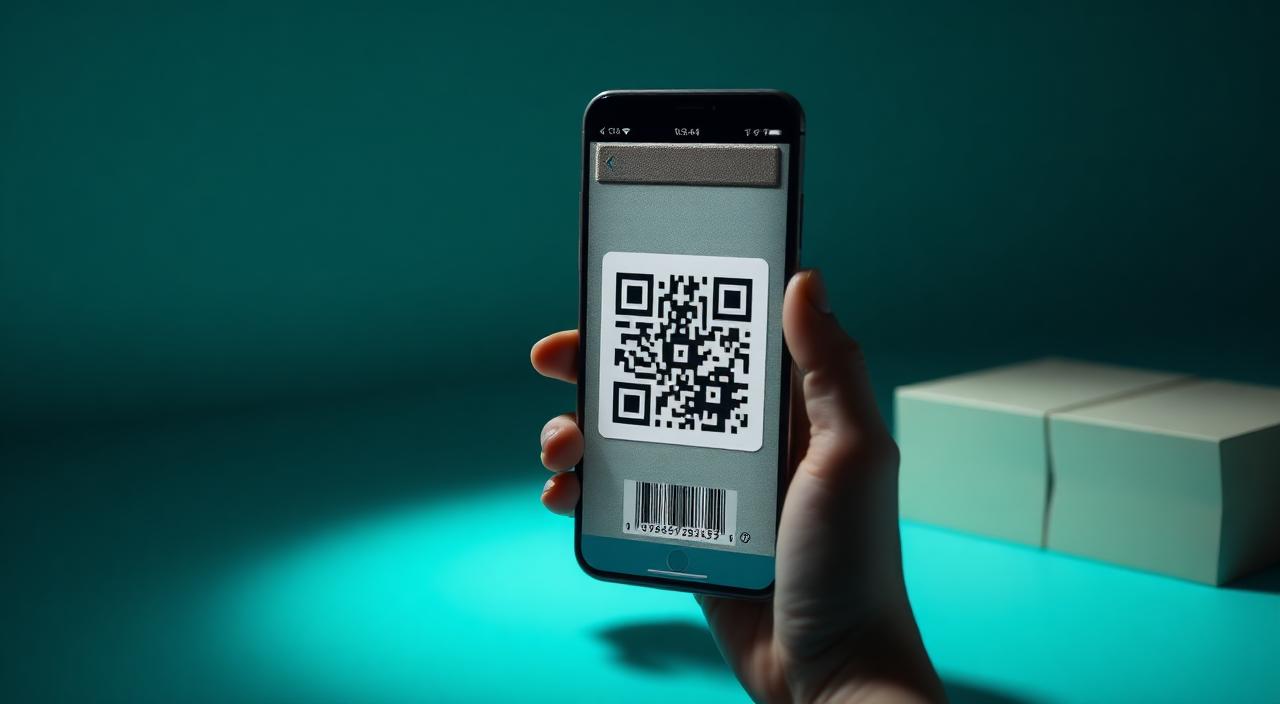
When a customer picks up your product, they're giving you their full attention for 15 to 30 seconds. A QR code on the packaging converts that moment into an ongoing relationship — instructions, loyalty signup, reorder, authenticity check, product story. The cost per unit is a fraction of a cent. The channel it opens is permanent.
Most packaging QR codes are wasted. They link to a homepage that doesn't load well on mobile, or to a PDF that takes 30 seconds to open, or to nothing at all because the product line changed and no one updated the URL. This guide covers what actually works.
Why packaging is the best QR placement you're not using#
QR codes on restaurant tables compete with phones, conversation, and the menu itself. QR codes on receipts get thrown away. QR codes on signage get walked past.
Packaging is different. The customer has already bought the product. They're engaged — reading ingredients, looking at the back of the box, checking instructions. The scan rate for packaging QR codes is consistently higher than almost any other physical placement because the context is right: the customer wants to know more about the thing in their hands.
The other advantage is dwell time. A receipt QR needs to capture attention in seconds before it's discarded. A packaging QR might be scanned weeks or months after purchase — when someone needs to reorder, find a recipe, register a warranty, or check authenticity. The physical object keeps the QR accessible long after a flyer or receipt is gone.
The use cases that actually convert#
Not all packaging QR destinations are equal. Some drive meaningful engagement; others get scanned once and forgotten. Here's what works by product category.
Instructions and how-to content
The highest-converting destination for most categories. Someone just bought your product — they need to use it correctly. A QR code on the packaging that opens directly to a video tutorial, a recipe, an assembly guide, or a dosing chart removes friction at exactly the right moment.
This works especially well for: electronics and appliances, supplements and medications (dosing guides), cooking ingredients (recipes), fitness equipment (setup and exercise demos), and baby products (safety and usage guidance).
What kills this: linking to a PDF that requires a download, linking to a general instructions page with no clear starting point, or linking to a desktop-formatted page that requires zooming on mobile. The destination must open instantly and be usable one-handed.
Product authenticity verification
Anti-counterfeiting QR codes are standard in luxury goods, supplements, spirits, and pharmaceuticals. The model is simple: each product has a unique QR code (or a shared QR that links to a verification page with a serial number printed separately). Scanning the code opens a branded page that confirms the product is genuine.
The critical detail: this only works with dynamic QR codes. If your verification page ever changes URL, moves to a new domain, or needs to be updated, a static QR becomes a dead link on a product that may still be in circulation years later.
Loyalty program enrollment
Post-purchase is the highest-intent moment for loyalty signup. The customer just decided to buy your product — they're warm. A QR code that opens directly to a loyalty signup form (pre-filled with the product name or SKU) captures this intent immediately.
The conversion rate drops dramatically if the QR links to a loyalty homepage where the customer has to navigate to a signup form. Every extra step loses people. Link directly to the form, and consider pre-populating whatever you can.
Reorder and replenishment
For consumable products — coffee, supplements, cleaning products, cosmetics, pet food — a reorder QR on the packaging is a direct conversion tool. When the customer is down to the last serving and about to throw the container away, a scan should take them directly to the product page with one-tap reorder.
If you sell through multiple channels (your own site, Amazon, retail), Smart Rules can route to the right storefront by country — UK customers go to Amazon UK, US customers to your US site, EU customers to your EU store.
Brand story and product origin
This works particularly well for food, wine, spirits, and cosmetics where provenance is a selling point. A QR code that opens a short video about where the coffee beans are sourced, who made the wine, or how the formula was developed builds brand connection at the moment the product is in the customer's hands.
This content doesn't need to be updated frequently — but it needs to be genuinely interesting. A paragraph of marketing copy on a mobile page is not a product story. A 60-second video with real footage of the farm, the winemaker, or the lab is.
Warranty and product registration
For electronics, appliances, and tools, post-purchase registration is often underutilized because the registration form is buried in a paper insert or requires visiting a website manually. A QR code that opens directly to a product registration form — with the model number pre-filled from a URL parameter — dramatically increases registration rates.
Higher registration rates mean you have customer contact information, can communicate about recalls or updates, and can demonstrate product support quality.
Smart Rules for packaging: one QR, every market#
If your product ships internationally, you face a familiar problem: one package, multiple languages, one QR code that can only link to one destination.
Without Smart Rules, you have three bad options: print separate packaging for each market (expensive), link to a language-selector page (friction that kills conversions), or link to English-only content and exclude non-English speakers.
With Smart Rules in QRflows, you configure routing conditions based on the scanner's country:
- UK → English product page
- Germany → German product page
- Poland → Polish product page
- France → French product page
- Everyone else → Default (English or multilingual)
One printed QR code handles all markets. When you launch in a new country, add a routing rule — no reprinting required.
This also works for regional variations. A food product with different ingredients in different markets (reformulated for local regulations) can route to the correct regional ingredient list automatically, reducing compliance risk.
Print specifications — the details that determine scan rate#
A packaging QR code that doesn't scan is worse than no QR code — it signals to the customer that the brand doesn't care about quality. These specifications are non-negotiable.
Minimum size: 1.5 × 1.5 cm for small packaging scanned at very close range (under 20 cm). For standard retail packaging, 2 × 2 cm. For packaging scanned in retail environments where customers might scan from 30+ cm away, go to 2.5 × 2.5 cm or larger. When in doubt, go larger.
Error correction level: Use level H (High). This allows up to 30% of the QR pattern to be damaged, obscured, or covered — which accommodates logo overlays, print imperfections, and damage in transit. Level H produces a slightly denser QR pattern, which is why minimum size requirements exist. Don't use level L or M for packaging.
Contrast: Dark pattern on light background. This sounds obvious, but packaging designers regularly place QR codes on coloured backgrounds, gradients, or photos — all of which reduce scan reliability. If the background is anything other than white or light grey, get a test scan from someone who doesn't know the QR is "working" before approving the print.
Quiet zone: Maintain a clear white border of at least 4 modules (the small squares in the QR pattern) around the entire code. Cutting into this border — which happens constantly when designers try to save space — breaks scanning even if the internal pattern is intact.
Logo overlay: If you add a logo to the centre of the QR code, keep it under 20% of the total QR area and apply error correction level H. Any larger and you're gambling on the error correction working — which it usually does, but not always, and not in poor lighting.
Finish: Matte surfaces scan more reliably than gloss. A highly reflective or metallic finish can create glare that confuses smartphone cameras. If your packaging uses foil or high-gloss finishes, test scan under different lighting conditions — not just in a studio with perfect lighting.
Placement: Never place a QR code on a curved surface where the code distorts significantly when laid flat. A wraparound label on a bottle may look fine in the design file but distort the QR pattern when applied. Always test on the actual substrate.
The dynamic QR requirement#
Everything above assumes a dynamic QR code. Static QR codes on packaging are a persistent and expensive mistake.
A static QR encodes the destination URL directly into the printed pattern. If the URL ever changes — the product page moves, you switch e-commerce platforms, the instructions page gets restructured, the domain changes — the printed QR becomes a broken link on every unit still in circulation.
Product packaging can be in distribution for months or years. A dynamic QR code means the destination can be updated at any time without touching a single printed unit. When you replatform your e-commerce site, update the QR destination in the dashboard. When you add a new language, add a Smart Rules routing condition. When instructions are updated, point the QR to the new version.
Dynamic QR codes cost more than static generators, but the insurance they provide against broken links on distributed inventory is worth it many times over.
Mistakes that kill scan rates#
Linking to the homepage. The customer scanned because they wanted something specific. A homepage requires them to navigate to find it — and most won't.
Slow-loading destinations. If the destination page takes more than 3 seconds to load on a 4G connection, a significant portion of scans will abandon before the page loads. Test on a real mobile device on cellular, not on a desktop with a fast connection.
Non-mobile-optimized pages. A desktop-formatted page that requires pinching and zooming is worse than no destination at all. Everything reachable via a packaging QR must be mobile-first.
Not testing the physical print. Approving a QR code from a digital proof is not enough. Print the actual material, at the actual size, on the actual substrate, and scan it with at least two different phones in realistic lighting before approving the full print run.
Using a free static generator. Free QR generators produce static codes. When the URL changes — and it will — every unit in the market becomes a dead end.
Forgetting to add a call to action. A QR code with no label is mysterious. "Scan for recipe," "Scan for instructions," "Scan to register" tells the customer exactly why they should scan and increases scan rates significantly.
The EU Digital Product Passport#
For businesses selling physical goods in European markets, it's worth knowing that the EU Digital Product Passport (DPP) regulation requires certain product categories to provide digital product information via QR code on packaging. Timelines vary by category but begin rolling out from 2026–2027.
The DPP requirement is product-category specific and the technical standards are still being finalized, but the direction is clear: QR codes on packaging will increasingly be a compliance requirement, not just a marketing option, for EU markets.
Dynamic QR codes are the appropriate infrastructure for DPP compliance — the destination content can be updated as requirements evolve without reprinting packaging.
Getting started#
The minimum viable packaging QR setup:
- Create a dynamic QR code in QRflows linking to your primary destination (instructions, product page, or brand story)
- Add Smart Rules if you ship to multiple countries with different languages or storefronts
- Apply error correction level H in the QR settings
- Export at high resolution (SVG preferred for print)
- Test scan on the actual printed material before the full run
- Add a one-line label below the code ("Scan for instructions" or equivalent)
The QR code itself takes minutes. The test and validation process before the print run is where the time goes — and it's the part that prevents expensive mistakes.
Frequently asked questions#
What size should a QR code be on product packaging?
The minimum practical size for product packaging is 1.5 × 1.5 cm for small packs scanned at close range (under 20 cm). For standard retail packaging scanned at arm's length, 2 × 2 cm is more reliable. For packaging scanned from a distance or in poor lighting, go larger. Always test scan on the actual printed material before the full run.
Can a QR code on packaging link to different pages in different countries?
Yes, with Smart Rules. You can set a single QR code to route UK scans to English instructions, German scans to German instructions, Polish scans to Polish content, and so on — automatically, based on the scanner's location. One printed code handles all markets without reprinting.
What error correction level should I use for packaging QR codes?
Use level H (High) for packaging. This allows up to 30% of the QR pattern to be damaged or covered — for example by a logo overlay — while still scanning correctly. Level H produces a slightly denser pattern, so test that the size remains scannable after error correction is applied.
Can I update a QR code on packaging after it's been printed?
Only if it's a dynamic QR code. With a dynamic QR, you can change the destination URL at any time — the printed pattern stays the same. This means you can update instructions, change languages, add promotions, or fix broken links without recalling inventory or reprinting.
What should a product packaging QR code link to?
The most effective destinations are: product instructions or how-to videos, authenticity verification pages, loyalty program signup, reorder links, product origin or brand story, and warranty registration. What works depends on your product category — food and beverage does well with origin and recipe content; electronics with instructions and warranty; cosmetics with ingredient transparency and tutorials.
Do packaging QR codes affect recycling or sustainability compliance?
The QR code itself is just printed ink — it has no impact on recyclability. In some EU markets, product regulations require specific digital product information to be accessible via QR code on packaging by 2026–2027. Check the EU Digital Product Passport requirements if you sell physical goods in European markets.
Related articles

Ready to try dynamic QR codes?
Start your free trial — no credit card required.
3–10 days free depending on plan.